dx Capture
Record browser work. Review every detail. Share only when it is ready.
Private drafts, screenshot annotation, short screen recordings, and controlled links in one workspace.
A cleaner capture flow
Capture stays small. Review gets the right space.
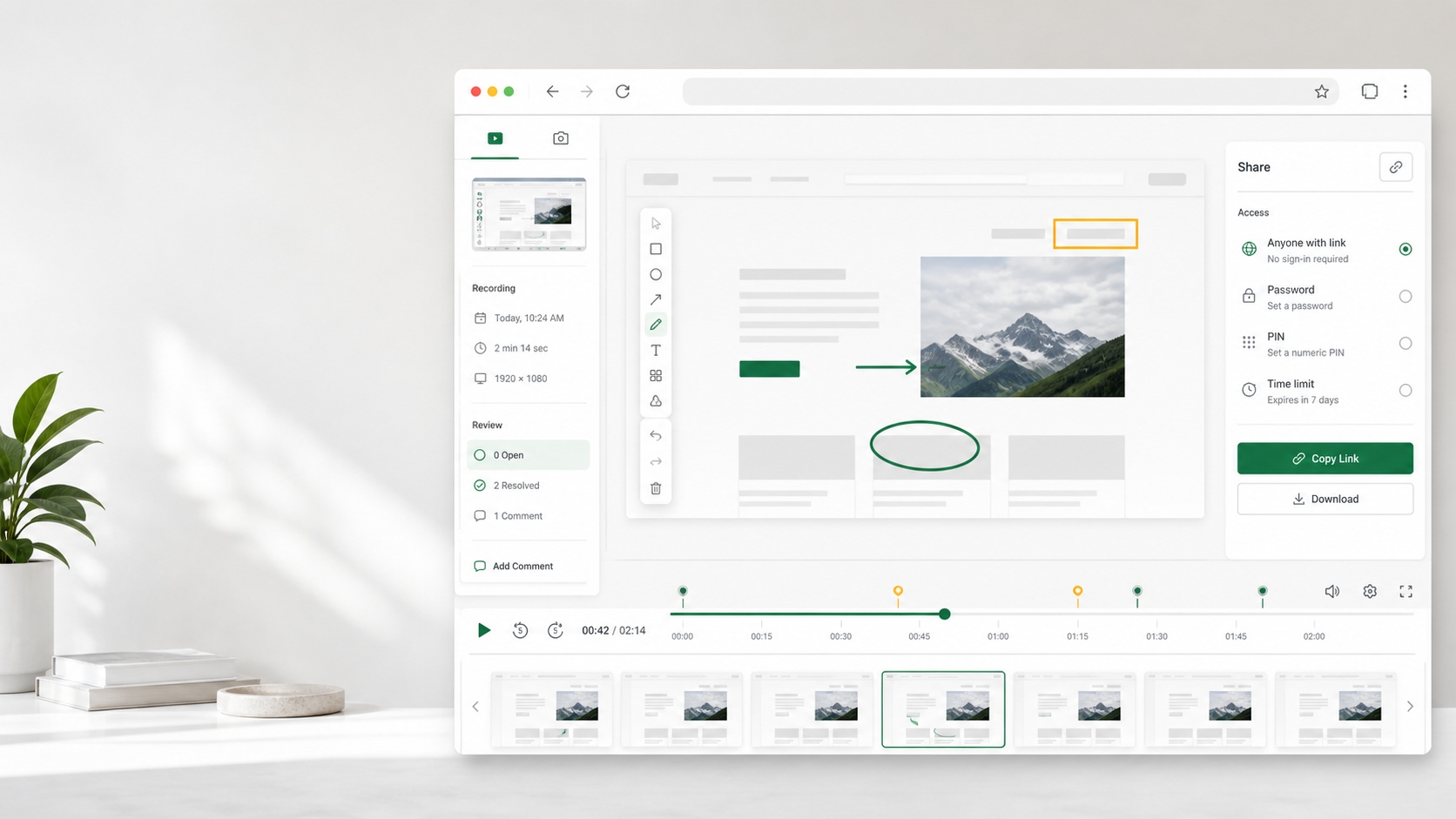
The extension handles capture only. Your full browser workspace owns preview, editing, saving, sharing, and deletion.
- 01
Capture in the browser
Record a browser screen or take a screenshot from the compact dx Capture extension.
- 02
Review in your workspace
Preview every private draft, refine its details, and annotate screenshots before saving.
- 03
Share with control
Publish a clean viewer page with the access rules and expiry that fit the audience.
Professional access controls
Share the work, not the workspace.
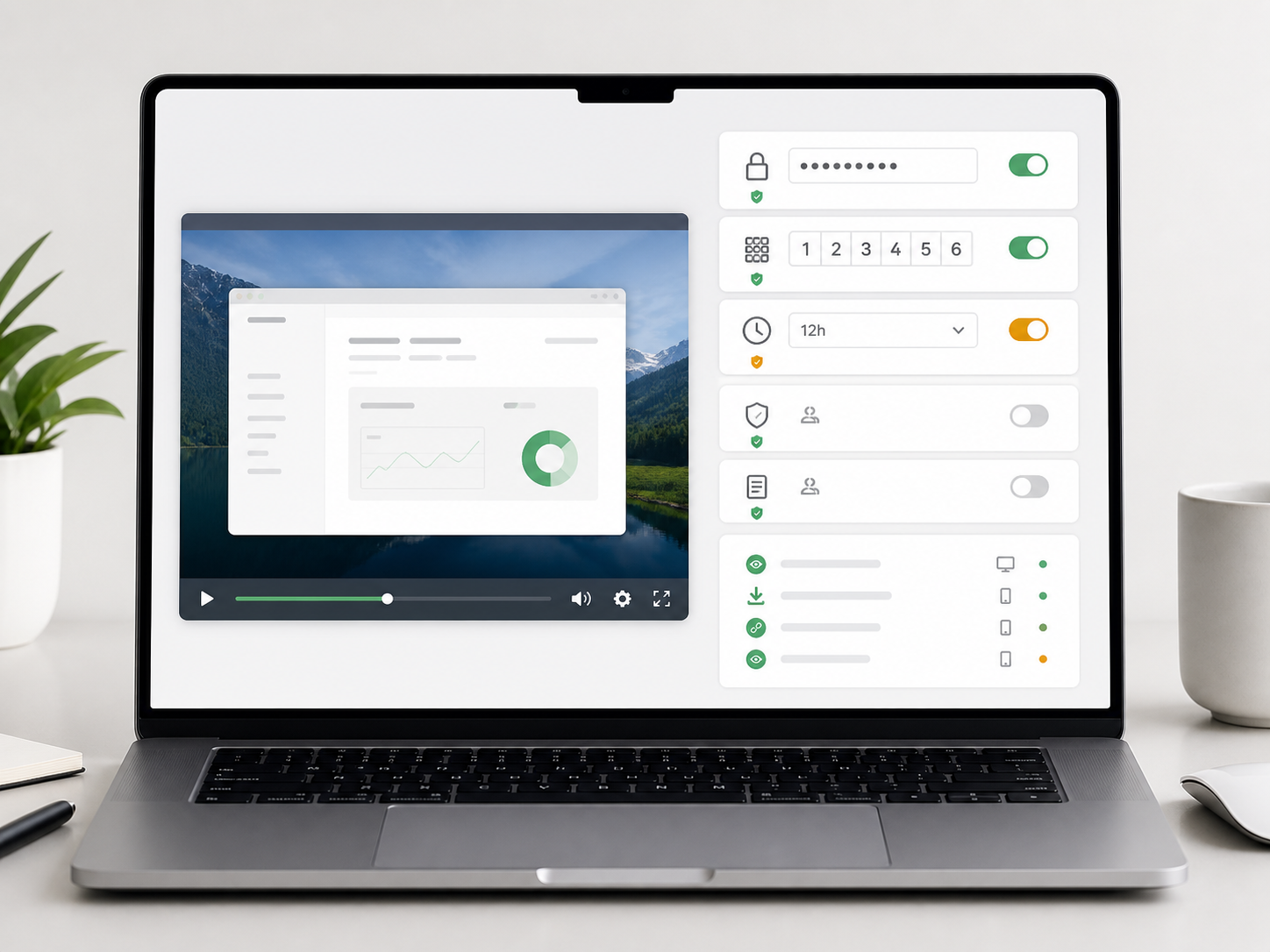
Pro gives each shared page its own access mode and expiry. Account binding also limits sign-in to one registered browser and paired extension.
Password access
Use a memorable 8 to 64 character password for selected viewers.
Six-digit PIN
Give viewers a short numeric code without exposing the workspace.
Timed links
Set an automatic shared-page expiry from five minutes to one year.
One registered browser
Each account is bound to one browser device and its paired extension.
Simple pricing
Choose the capture window and protection you need.
Start free for short evidence. Move to Pro when review quality, protected links, and longer retention matter.
Pro requests are created in the workspace. Access starts only after manual payment is independently verified; no online charge is made here.
Plan details
Clear answers before you record.
What happens when Pro expires?
Pro capture features stop at the end of the paid period. Existing Pro media remains available for 90 days, while new Free captures follow the 30-day retention policy.
Can I use one account on several devices?
No. One email account can have one active browser session and its paired extension. Sign out from the registered browser before moving the account to another device.
Does the extension publish recordings?
No. The extension only captures and transfers a private draft. Preview, editing, saving, sharing, and deletion happen in the dx Capture web workspace.
Where is media stored?
dx Capture runs on Cloudflare services. Media is stored privately in R2 and application records are kept in D1, with access controlled by the dx Capture API.
Talk to us
Plan a professional capture workflow.
Ask about Pro access, team requirements, security review, or a product fit question.